
 BDT
 INR
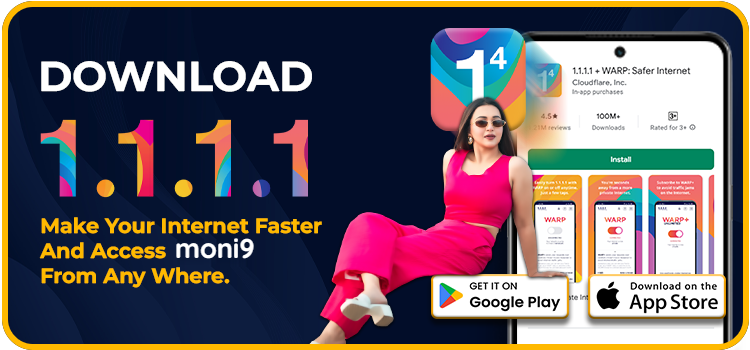
Download 1.1.1.1 WARP app and begin using it. Here are the steps:
➢ Android
- On your Android device, open the Google Play Store and search 1.1.1.1 + WARP: Safer Internet. Or just “👉 Click Here” to open the download page of 1.1.1.1 WARP.
- Then you will be able to see the install button, tap on install, and open the app when the installation is complete.
- A new page will be displayed. Tap on Next and be sure to read the privacy policy. After reading it, tap Accept.
- Now, tap on Install VPN profile, then tap OK.
- To activate, set the WARP to connected.
➢ iOS
- Open the App Store and type in the search bar: 1.1.1.1 + WARP: Safer Internet. Or just “👉 Click Here” to open the download page of 1.1.1.1 WARP.
- Tap on Get to install the app.
- Launch the VPN and agree to the privacy policy or terms of service.
- Now, tap on Install VPN Profile, then tap on OK.
- To enable, turn the WARP to Connected.
How to start 1.1.1.1 WARP?
Once you have managed to download and install the app, do the following:
- 1. Launch the 1.1.1.1 WARP.
- 2. Enable warp mode:
- On the home screen, you will find a big toggle button.
- To enable 1.1.1.1 with WARP, tap the toggle to disable 1.1.1.1 only (DNS mode).
- WARP supports encryption of all your traffic and is more secure and stable. WARP – very convenient when using platforms such as 1xBets.
- 3. After enabling WARP mode, a message “Your internet is private” will appear, and the key icon will be visible on the status bar of your phone, hence confirming that WARP is connected and ready to use.
- 4. You can now visit https://www.1xbets.xyz/ or any other official site of 1xBets and play games without issues!
 App Store
 Google Play
 Windows
 Linux